
Spreadsheet chaos
Too many lists, tabs, and versions make it hard to see the whole picture.
SolutionOne workspace for the entire job search.
Keep track of roles, contacts, documents, and follow-ups in one workflow.
No registration. No commitment.
This short demo loop shows the dashboard, pipeline, and contact flow in practice.
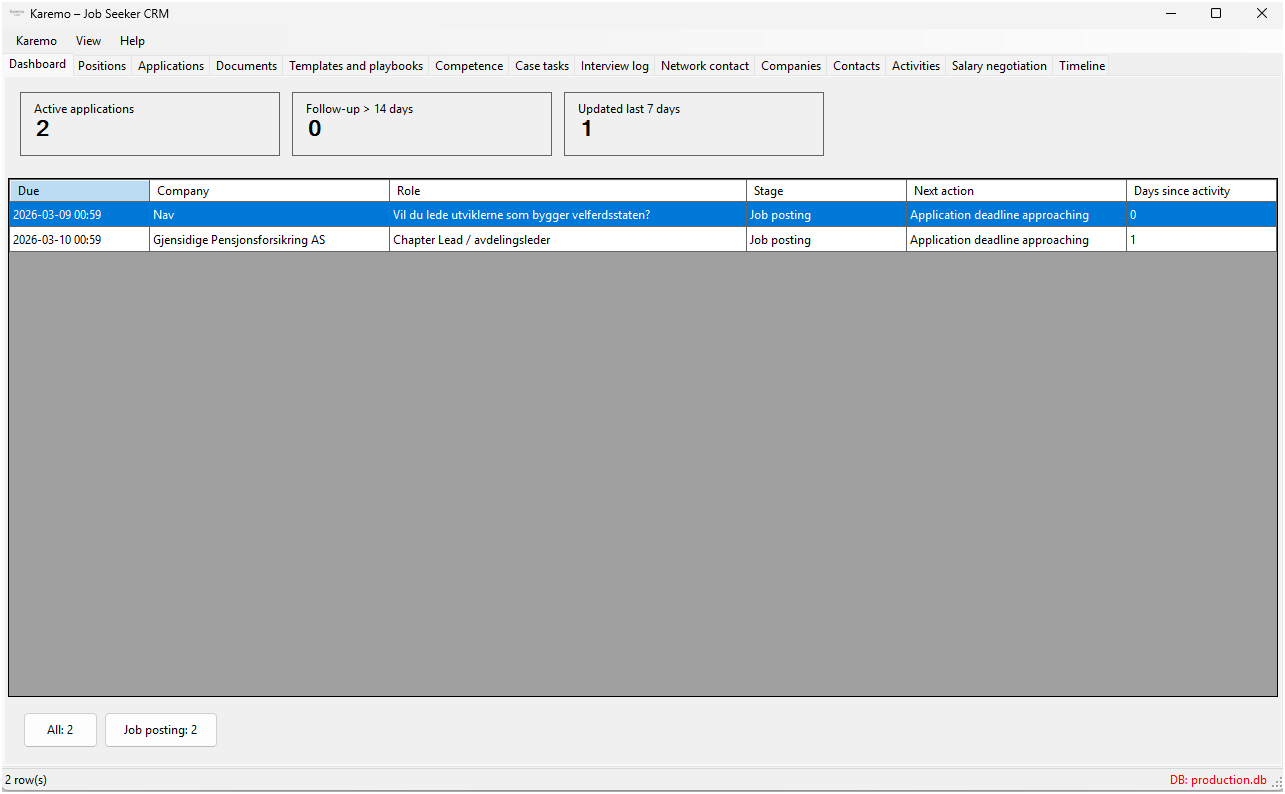
Karemo is a job-search CRM that brings roles, contacts, documents, and follow-ups into one simple workflow.
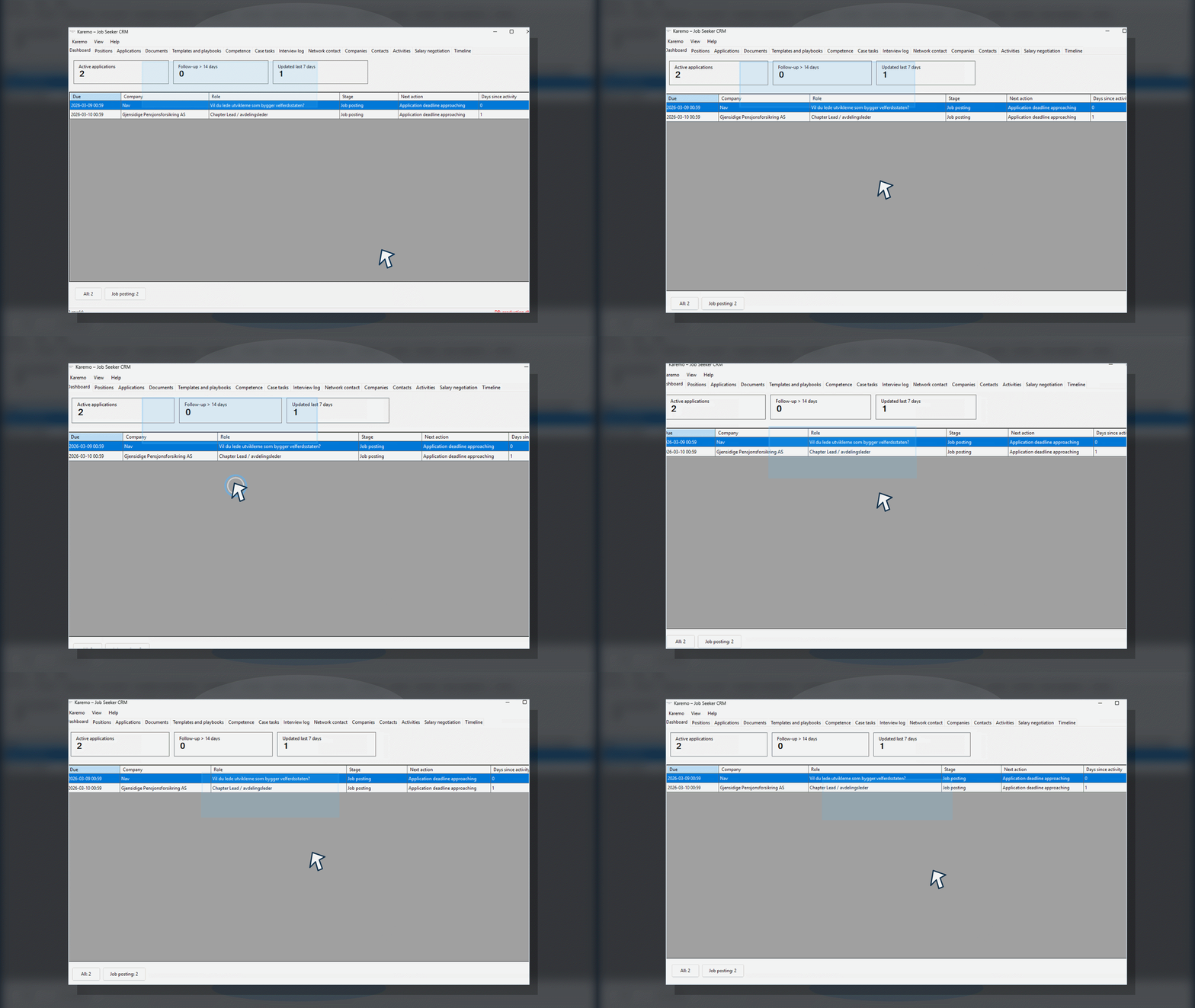
When job search, follow-up, and documents drift apart, Karemo gives you one clear end-to-end solution.
Too many lists, tabs, and versions make it hard to see the whole picture.
SolutionOne workspace for the entire job search.
It is easy to lose track of who to contact and when.
SolutionReminders and next steps keep the pace moving.
CVs, applications, and notes quickly end up in folders and email.
SolutionCentralized document management in the same flow.
Excel and Notion are useful, but they are not built for ongoing job search workflows. Karemo is.
Features, screenshots, icons, and a clear workflow in one focused system.
See where you are in the process, what is ahead, and which roles need follow-up.
Keep recruiters, managers, and network contacts in one register with context.
Keep CVs, applications, and notes together and attach them to the right role.
Set the next step and never miss a follow-up again.
Import postings from URL, choose the right posting in the flow, and save custom profiles for new domains.
Create editable cover-letter drafts from job data, a stored job-ad snapshot, and a linked JSON CV.
Karemo helps with the first draft without taking control away from you. Everything is based on data already in your workflow.
The draft is generated from job data, a stored job-ad snapshot, and the linked JSON CV for the active application. URL-imported job ads now save their text automatically for the AI flow.
Nothing is locked. You can edit, save, and reopen the draft later as part of the same application process, whether you start from the application itself or from a selected job posting.
You choose provider and model in Settings. The API key is stored encrypted per Windows user, and the feature is available when the application has a linked JSON CV.
Three concrete examples of how different roles use Karemo to stay structured and move faster.
Keeps applications, contacts, and interviews in one clear workspace. Gets structure across the full process and avoids missing important follow-ups. Sees progress and knows what to prioritize next.
See howKeeps leads, clients, and follow-ups organized so nothing gets lost between meetings. Uses activities and notes to maintain a clean process and stronger client continuity. Gets lightweight CRM functionality without heavy complexity.
See howFollows multiple candidates in parallel without losing context. Maintains clear status, appointments, and progress for each person. Uses the dashboard to provide more precise and actionable guidance.
See howA simple visual flow that shows how Karemo supports your process from start to finish.
Add jobs, contacts, and activities in one place.
Update statuses, set reminders, and keep progress moving.
See everything in the dashboard for faster decisions.
Use notes and history to learn and improve your approach.
This is a real example from Karemo. The image shows how the application brings together applications, relationships, and tasks in one workspace.
Karemo is for people who want a calm, structured way to manage their career work.
Who want clarity across multiple processes and conversations.
Who need a system to tailor CVs for assignments, whether solo or as part of a consulting firm.
Who want to build and maintain relationships over time.
Who want to give clients a clear, practical framework.
Karemo offers a free trial. Continued use requires an active license, and commercial terms are set based on scope, usage, and workflow needs.
Free trial available
All data is stored locally - you own everything.
Download trialFor a concrete offer based on your preferred setup and usage, contact us at harry.solsem@solsem.no.
Want to try Karemo early or see it in action? We are happy to show you.
Quick answers to the questions new users ask most often.
All data is stored locally on your own machine. Nothing is sent to external servers.
Yes. Karemo does not collect personal data for analytics. Updates are validated with checksums (SHA-256), normal configuration requires HTTPS for updates and license verification, and the local lease cache is hardened with Windows protection.
Karemo does not create automatic backups today. You can copy your data folder (SQLite + documents) whenever you want.
Start by adding your first opportunity or role. Then track contacts, notes, and status updates in one workflow, and use AI cover letters when a JSON CV is linked to the application.
No. Karemo works without sign-in, so you can start immediately.
AI can be used to generate editable cover-letter drafts. You configure provider and model in Settings, the API key is stored encrypted per Windows user, and the draft is generated from job data, job-ad snapshots, and a linked JSON CV.
Yes, if you run Windows on your Mac with Parallels Desktop or similar virtualization software. Karemo is a Windows client, so the test setup needs to provide a normal Windows installation.
Karemo has a free trial. Full access requires a license.
Yes. You can export or copy your data folder at any time.
Karemo is built for safe use. You keep full control of your data inside the application, while the website only uses simple visit logging for operations and follow-up.
Karemo is under active development. This section combines a short product status with the latest published updates in one place.
Download Karemo
DownloadKaremo helps you keep track of your job search. CVSmia helps you present yourself. Together, you get full control - from application to interview.
Start in Karemo with jobs, deadlines, and follow-ups. Use that insight to update and sharpen your CV in CVSmia before your next application.
Want to reach your goal in your job search faster? CVSmia helps you tailor your CV, so it becomes clearer, more relevant, and easier for employers to choose.
Recently delivered in CVSmia:
Interested in following the development of Karemo?
Built for students, consultants, and job seekers
Karemo is built for people who want less friction and more momentum without extra admin.
Less spreadsheet chaos
Keep roles, contacts, and documents in one tool.
Better follow-up
The next step stays visible, so deadlines and contacts do not slip away.
Useful across roles
Made for students, consultants, and job seekers who need structure.